Indie iOS Developer · App Store
Salturno
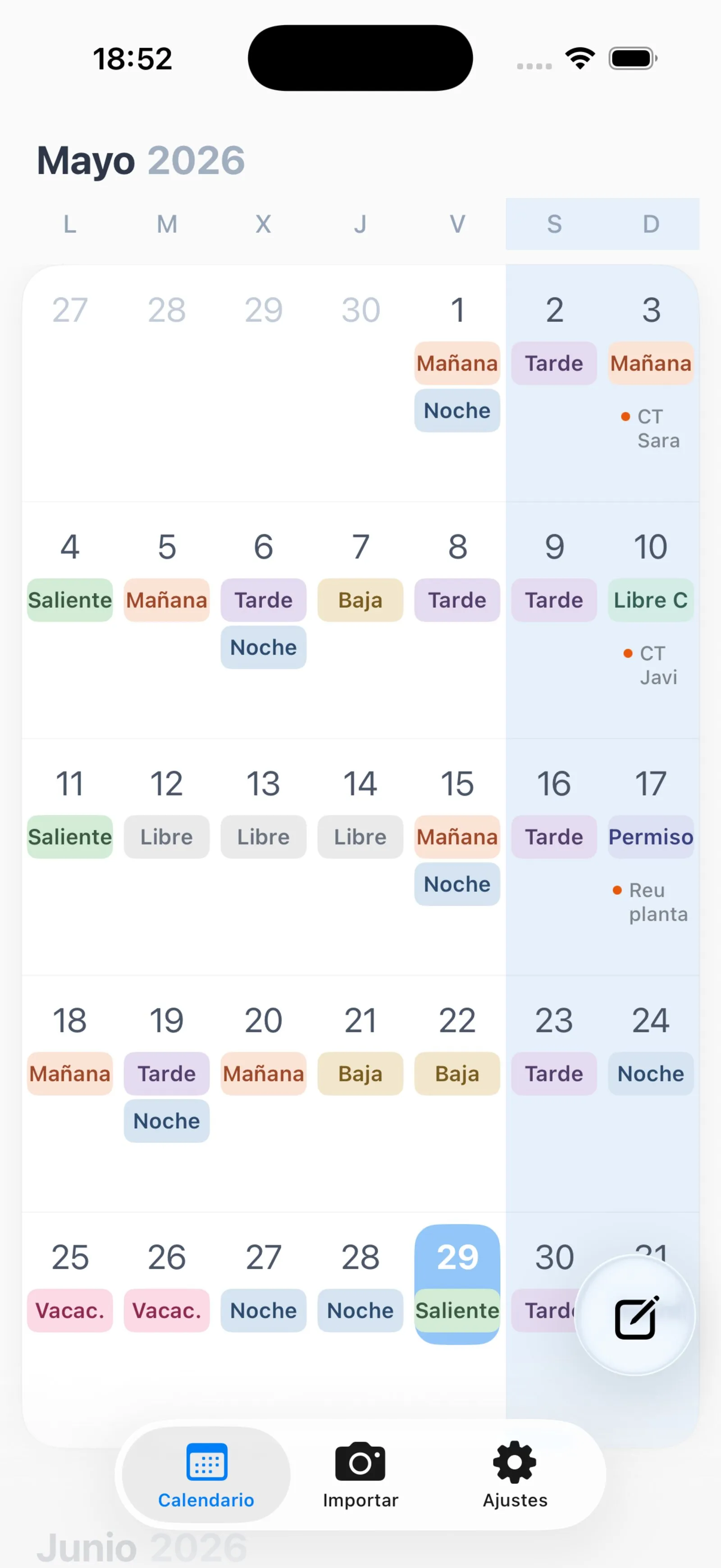
Shift-work calendar app: import your rota from a photo or PDF and get a clean, colour-coded monthly view in under a minute.
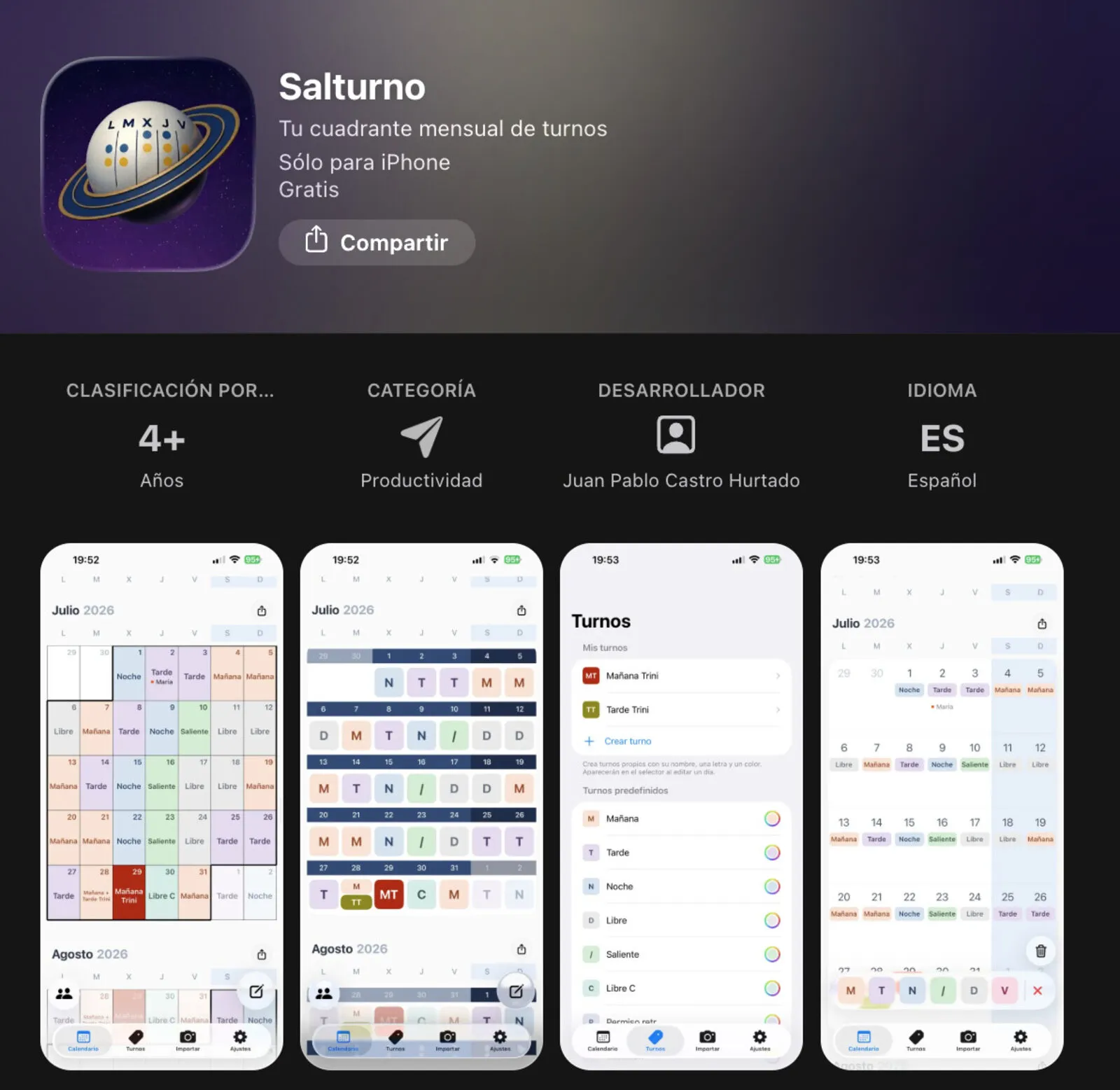
The name combines Salamanca and turno (shift) — but the problem it solves is universal: anyone who works rotating shifts (morning, afternoon, night, rest day) receives their monthly schedule on paper or PDF and is left to figure out the rest on their own.
Salturno does that step for you: one photo or one PDF, your name, and in under a minute every shift for the month lands in a clean, colour-coded calendar — ready to consult, not to decode.
The problem #s1
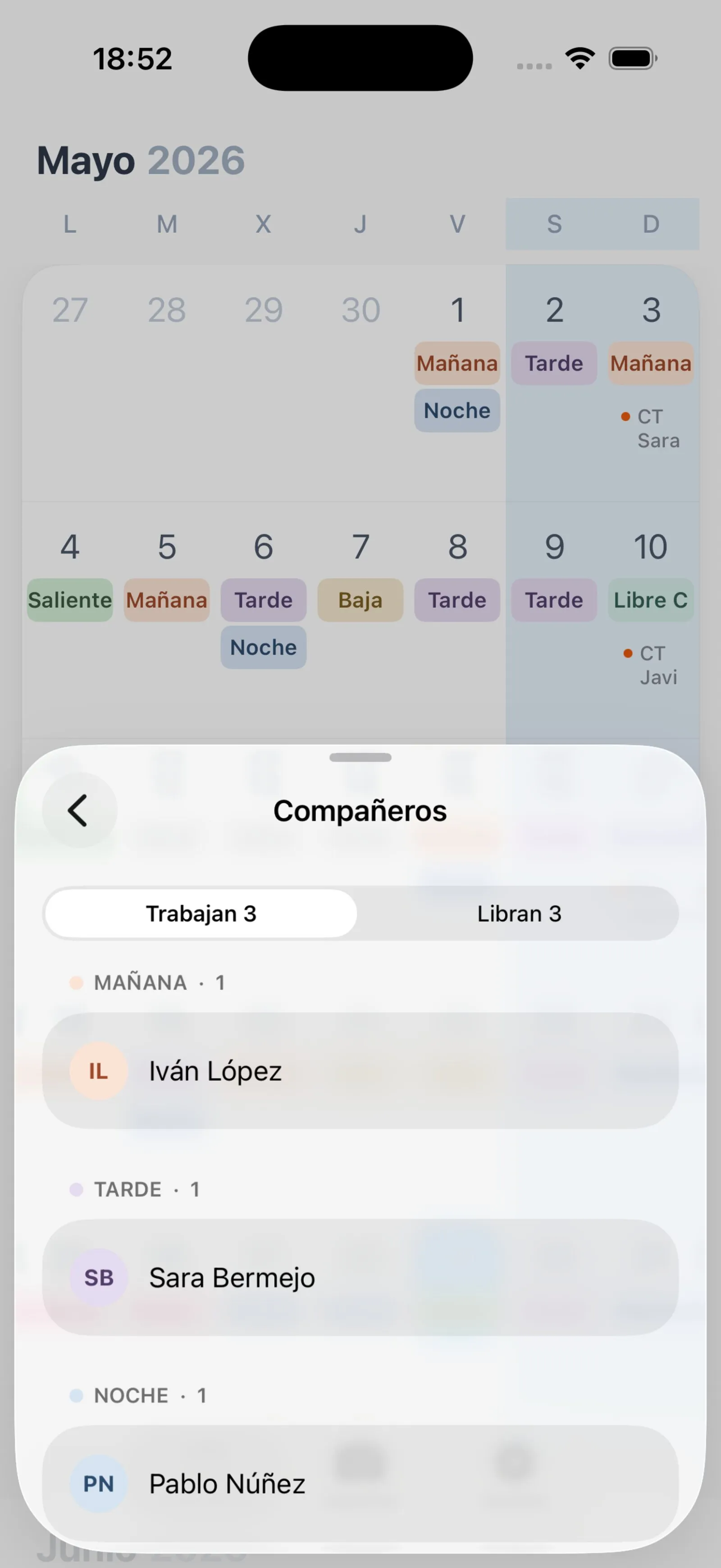
If you work rotating shifts you know the routine: you receive the schedule and from that point on you have to keep it in your head, re-check the paper, and coordinate with colleagues. Some people transfer it to Google Calendar by hand. Others just rely on memory.
That manual step is where Salturno intervenes. The cognitive overhead is real — and entirely avoidable.
How it works #s2
Open the app, take a photo of your rota or pick the official PDF, enter your name as it appears on the schedule and tap process. In under a minute all your shifts for the month appear in a clean calendar with colour codes.
When the rota comes as a PDF with embedded digital text, the process is even faster and more precise: no camera, no AI inference, direct text extraction from the document.
Privacy by design #s3
Your shifts are yours. Salturno has no user account, no login and saves nothing on any server. Everything lives on your iPhone and, if you have iCloud enabled, syncs privately with your other devices through your own iCloud space.
The only moment anything leaves the device is when you upload the photo or PDF for processing — and at that point only the image travels, not your name or any personal data. Once processed, the file is discarded.
Personalisation #s4
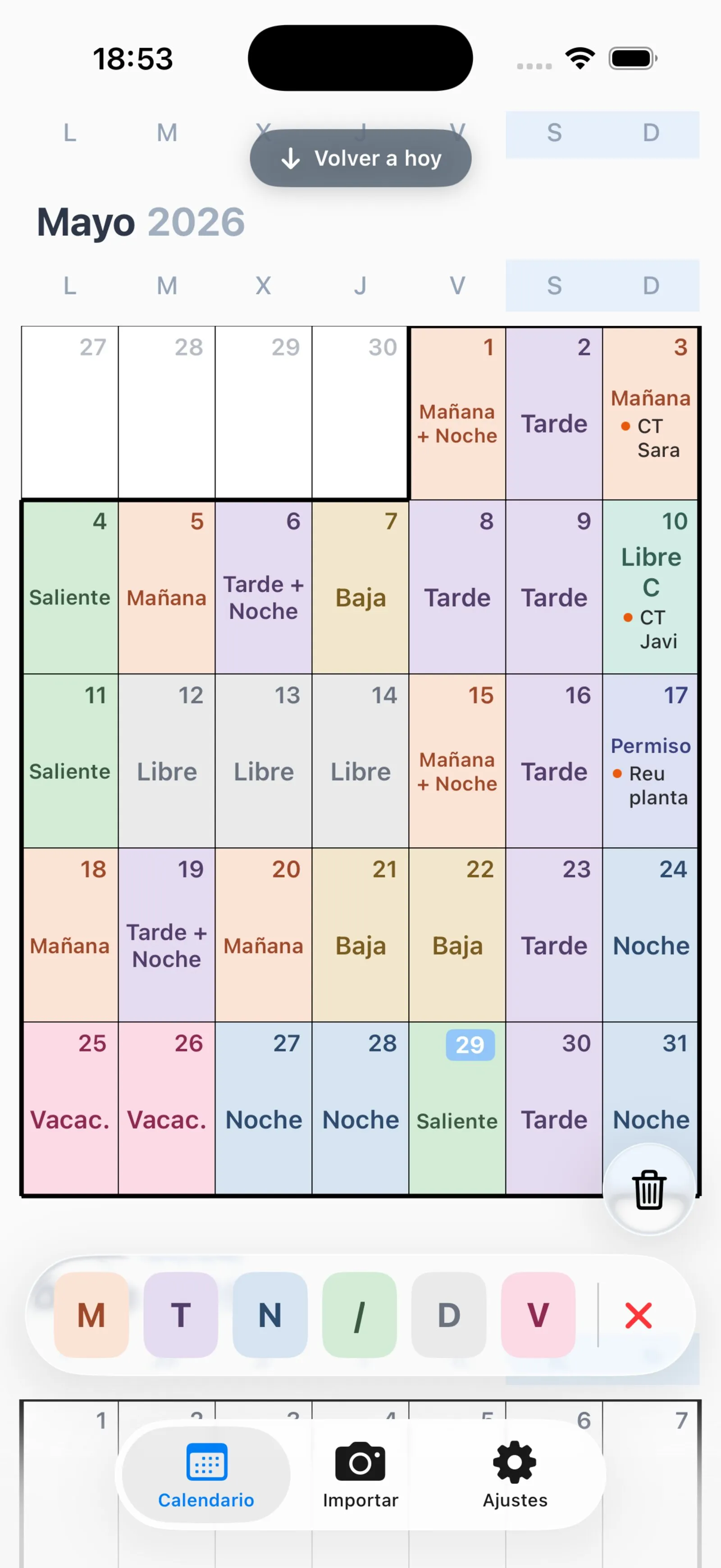
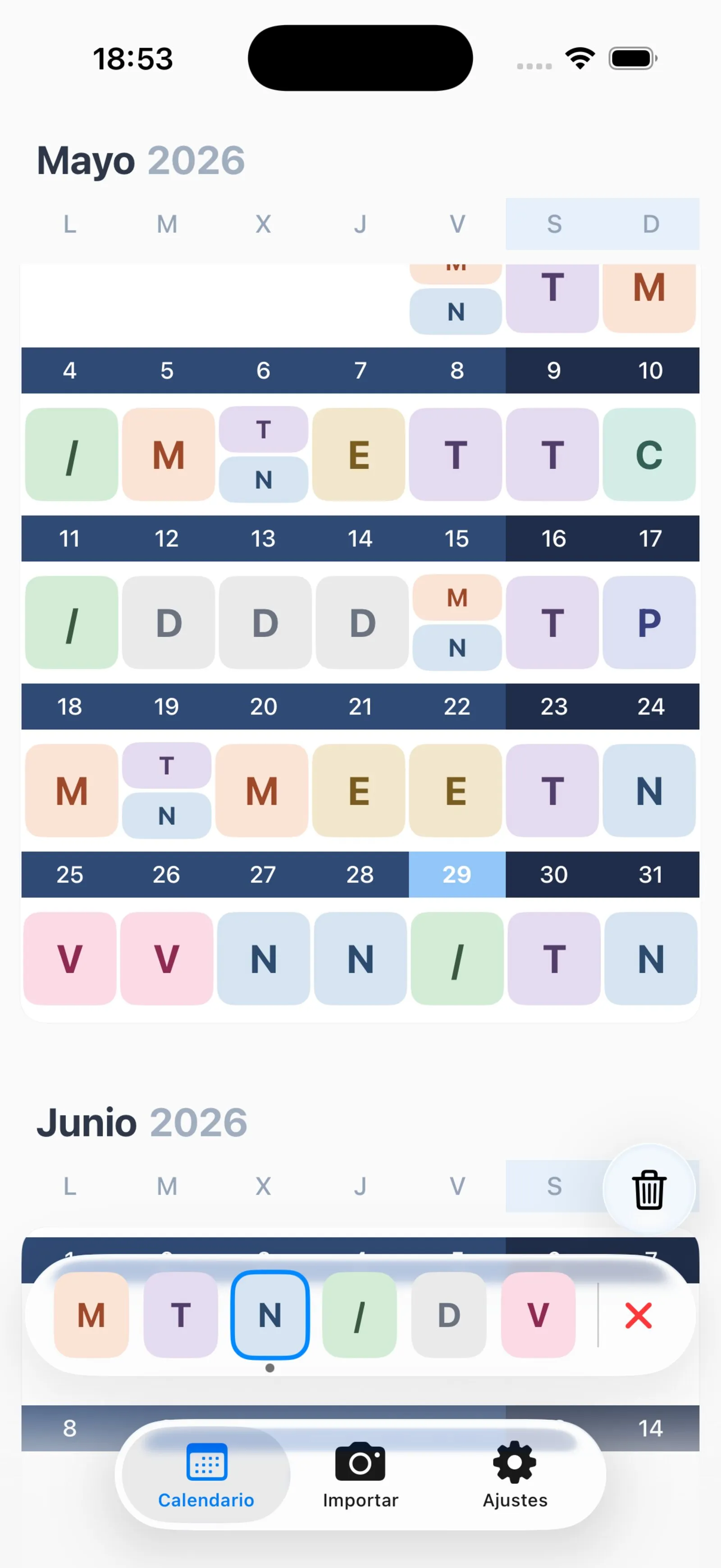
Every person organises their life differently. Salturno lets you change the colour of each shift type, adjust the calendar view, create your own shift codes if the standard ones do not match your workplace, and choose between several visual themes.